
The GoNIX desktop
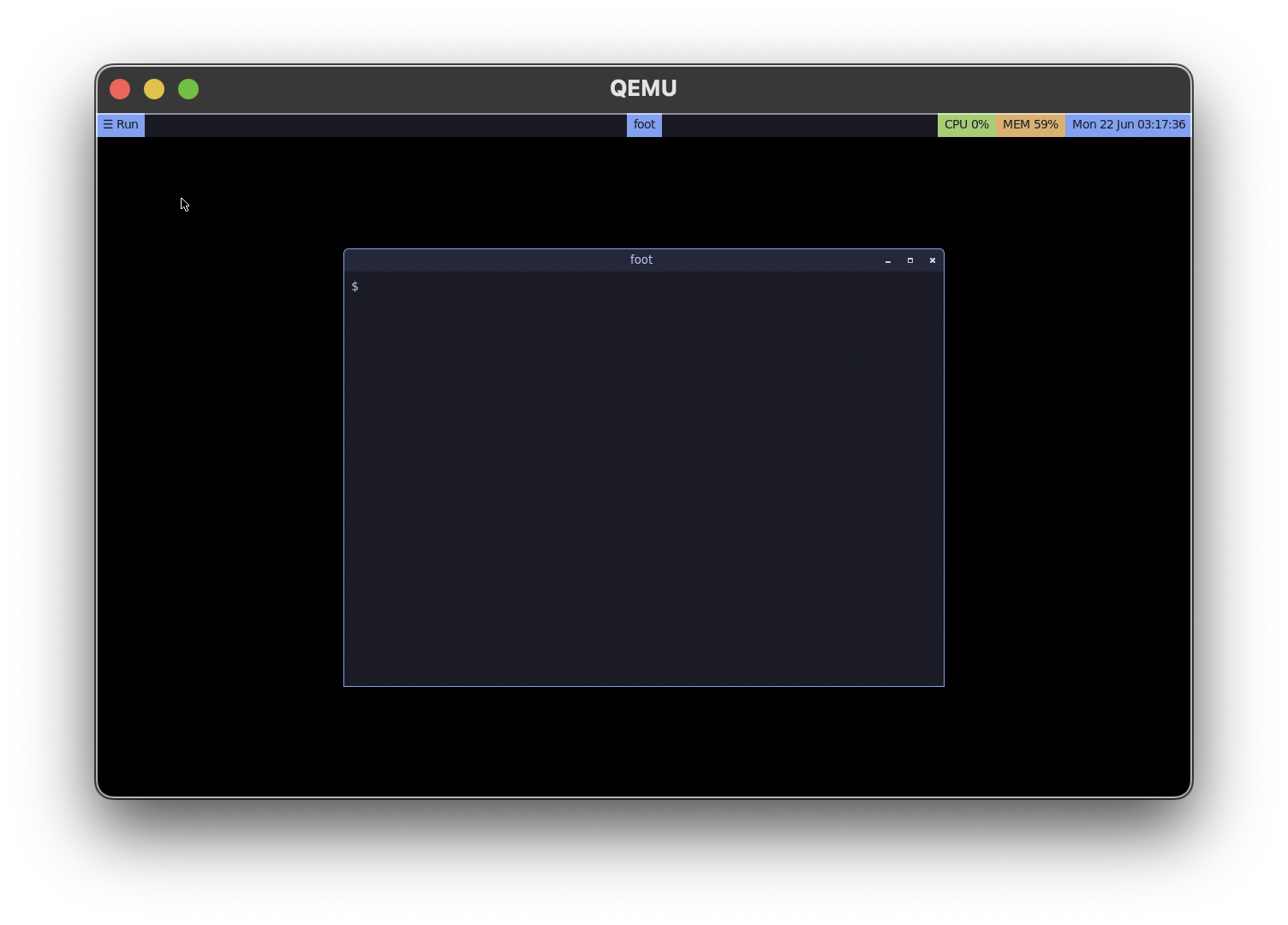
GoNIX boots happily to a server, but it also ships a complete Wayland desktop — and, true to form, it’s built entirely from source out of GoNIX’s own package tree. No vendored Alpine closure, no Mesa, no GL.
The stack
labwc
A lightweight, Openbox-inspired Wayland compositor (wlroots, pixman software renderer) with window decorations, a root menu, and a Tokyo-Night theme.
No Mesa, no GPU drivers
The target is a virtual machine, so GoNIX renders in software: virtio-gpu + KMS dumb buffers + the wlroots pixman renderer. That single decision removes the entire Mesa/LLVM/GL dependency tree — the desktop is small, portable, and boots on a plain QEMU VM with no GPU passthrough.
A from-source library bootstrap
Behind the desktop sits a self-hosted stack of 44 library ports — zlib through pango — each built against the GoNIX libraries below it rather than the host distro. The compositor layer (wlroots, foot, fuzzel, yambar, labwc) links only GoNIX packages. The whole thing is reproducible from one ordered build.
Apps
The package repository carries a usable kit out of the box:
- Browsers —
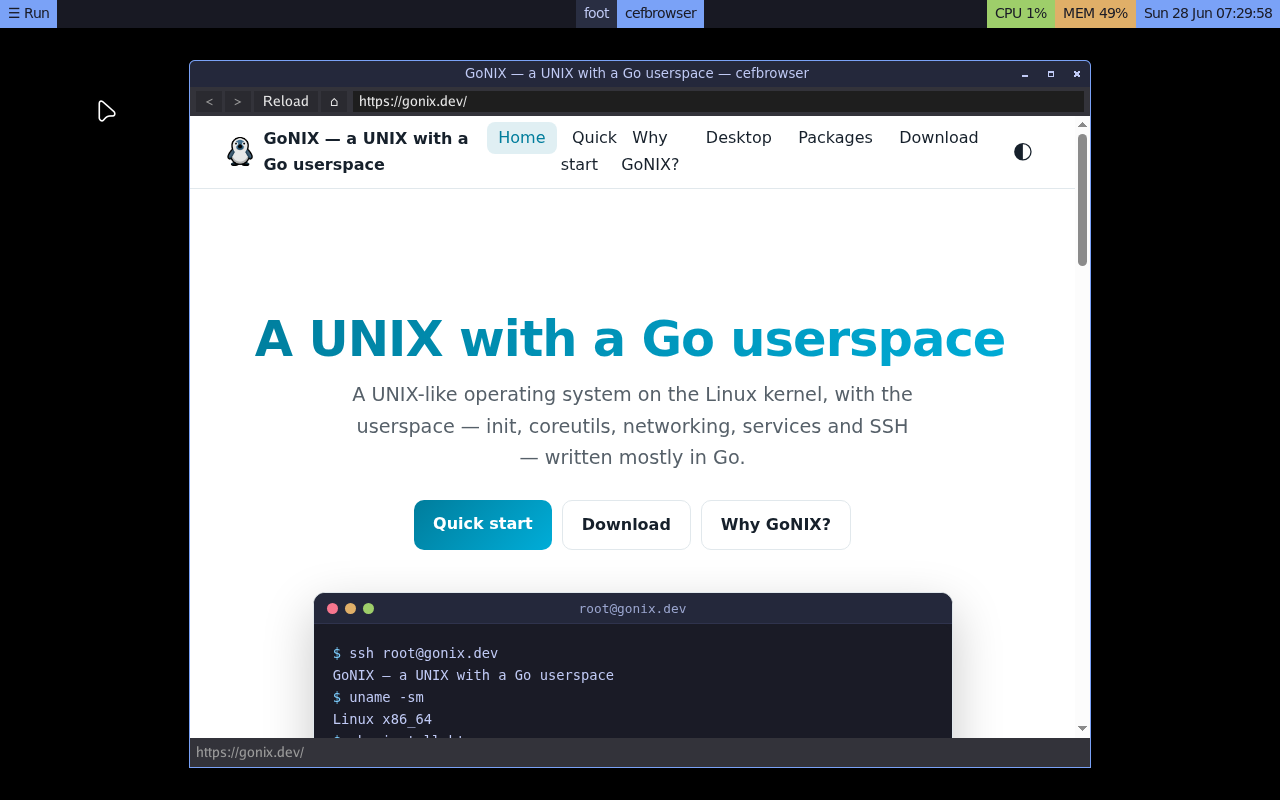
w3min the terminal, plus an opt-in graphical Chromium browser (cefbrowser) that runs the renderer in aboxcontainer. - Editors — a built-in
vi. - TUI tools —
htop,lf,lazygit,tmux,less,git,sed,grep,awk,jq.
$ pkg install wayland-desktop
$ startgui
That pulls the compositor, panel, terminal and launcher, and startgui brings up
the session on the console.
box container.